How GPS Pet Trackers Work: Satellites, Cellular Signal and Accuracy Explained
A plain explanation of how GPS pet trackers find and report location, why accuracy varies, and what affects reliability in cities, woods and buildings.
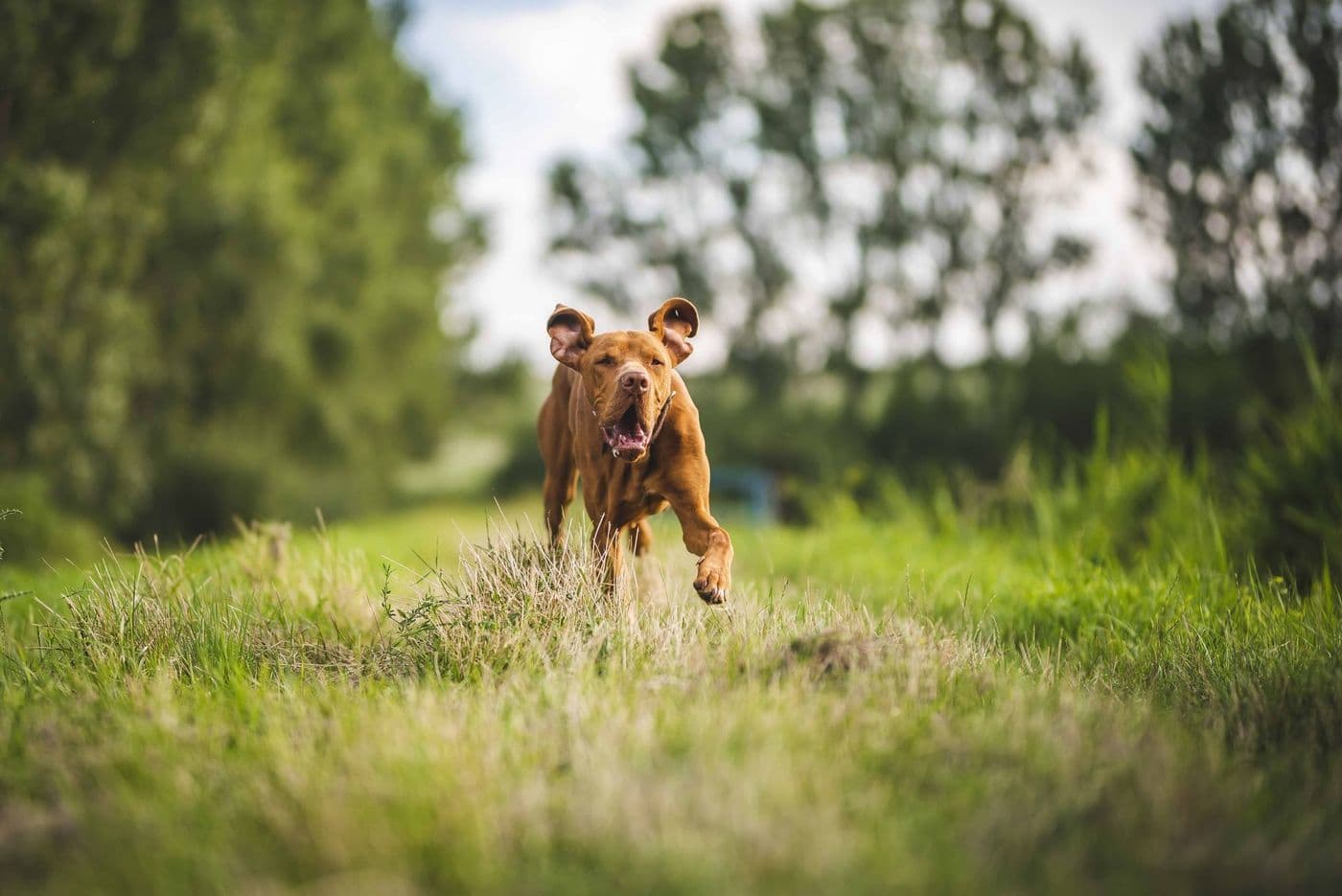
A GPS pet tracker receives signals from satellites to work out where it is, then sends that position to your phone through a cellular, radio or other connection. Accuracy can vary with sky view, buildings, trees and signal quality. Expect the tracker to be less precise indoors and in dense areas, and treat the map as a very good guide rather than an exact pinpoint.
The little dot moving across a map on your phone feels like magic, but it is the result of two separate steps: finding the position, then delivering it to you.
Knowing how each step works explains why trackers sometimes lag, drift or lose the signal, and helps you set realistic expectations.
Step one: finding the position
The tracker contains a receiver that listens for signals from navigation satellites. By comparing the timing of signals from several satellites, it calculates its position on the ground. This is the same principle used in car navigation and phones.
The receiver needs a reasonably clear view of the sky. That is why a collar on a dog in an open field usually performs better than one in a dense forest or between tall buildings.
Step two: sending the position to you
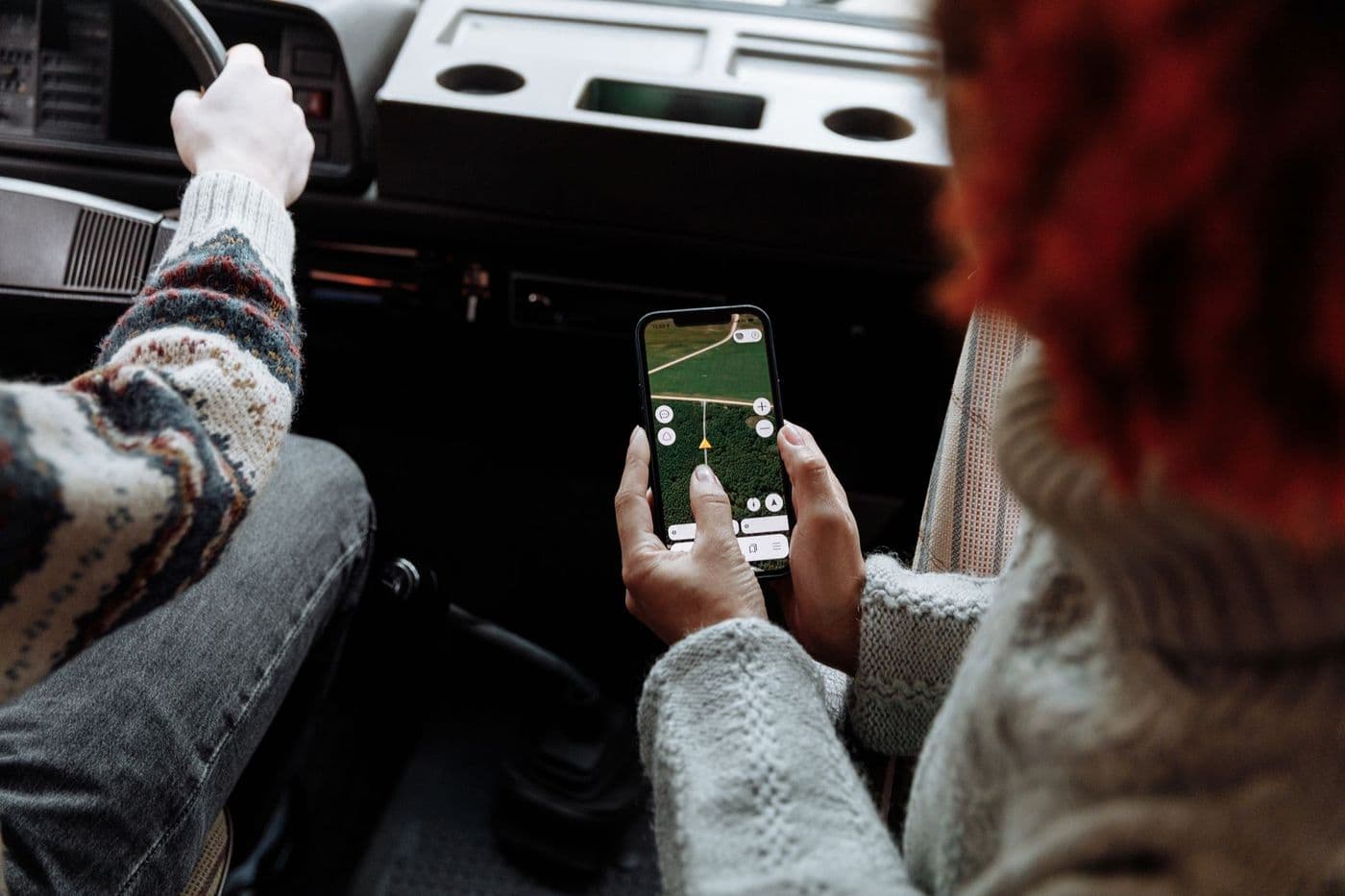
Once the tracker knows where it is, it has to report it:
- Cellular: the tracker uses a mobile network and a SIM or embedded connection to send location data to servers, which your app then displays.
- Radio: the collar sends signals directly to a handheld receiver, with no network needed but a limited range.
- Bluetooth or crowd-based: the tag talks to nearby phones, which relay the location. It works best in busy areas.
Why accuracy varies
Several factors affect how precise the position is. Tall buildings and dense trees can block or bounce signals. Weather and a pet lying in an awkward position can reduce reception. Indoors, GPS may be weak or unavailable.
Some trackers add Wi-Fi or cellular-tower positioning as a fallback, which can help roughly locate a pet indoors or when satellites are hard to reach, though usually with less precision.
Tip: When your pet is missing, use the live tracking mode if available, and combine the map with a physical search. The tracker narrows the area but does not replace looking.
Refresh rates and battery

The tracker does not need to update its position every second. Updating more often uses more battery, so many devices let you choose between a slow, power-saving rate and a fast live mode.
Manufacturers publish battery estimates, but real life varies with signal strength, temperature and update frequency. Treat the published number as a best case and check the conditions behind it.
Common limits
Be aware of these realistic limits:
- No mobile coverage means no cellular reports, even if GPS works
- A tracker that is switched off or out of battery cannot report
- Satellite signals are poor inside buildings, basements and vehicles
- A collar that slips off takes the tracker with it
- Location history can lag by a short interval
Choosing with this in mind
Match the tracker type to where you walk. For rural areas with weak coverage, consider radio or devices that support multiple networks. For cities, check how the tracker handles tall buildings.
Keep the collar fitted securely, charge the tracker regularly and test it before you need it, for example on a familiar walk, so you know how it behaves.
Testing your tracker before you need it
Walk your dog on a familiar route with the tracker on, then compare the map with where you actually went. Try different environments such as open parks, residential streets and wooded paths. This shows how the device behaves where you live and how quickly it updates.
Practise using the live mode and any sound or light feature while your dog is close by, so you know how to trigger them in a stressful moment.
Supporting tools that make a difference
A tracker works best as part of a safety plan. Keep a current ID tag on the collar with a phone number, keep your microchip details up to date and have recent photos of your pet on your phone. If a pet goes missing, local shelters, vets and neighbourhood groups can help spread the word.
Think of the tracker as one layer, not a guarantee. Collars can slip, batteries can drain and coverage can fail, so layered protection gives the best chance of a happy ending.
Reading the map correctly
The map usually shows a dot with a circle around it. The circle represents the tracker's uncertainty, so a bigger circle means the position is less precise. Pay attention to the time stamp, too, because the dot may show where the pet was a short while ago rather than right now.
When tracking a moving pet, remember that you and the pet may both be moving. Stop, refresh and walk towards the latest position, rather than chasing an old one. If the dot has not moved for some time, your pet may be resting, trapped or the collar may have fallen off.
Frequently asked questions
How accurate is a GPS pet tracker?
It depends on sky view and signal quality. Expect good performance outdoors and less precision near buildings, under trees or indoors.
Does GPS work without mobile signal?
GPS itself does, but a cellular tracker needs a mobile signal to send the position to your phone.
Why does my tracker show a different position than where my dog is?
Signal bounce, delay in updates or poor sky view can cause drift. Refresh the location and move closer to check.
Can I track my pet indoors?
Often not precisely. Some trackers use Wi-Fi positioning to help indoors.
Advertisement
Advertisement
Sponsored: today's featured offer →General information only. Check product labels and manufacturer instructions before you start.
Keep reading
GPS Pet Tracker Battery Life: What Affects It and How to Make It Last
Why tracker battery claims differ from real life, which settings drain power fastest, and practical charging habits so the tracker works when you need it.

Geofence and Safe-Zone Alerts for Pet Trackers: How They Work and Where They Fail
What a virtual fence on a pet tracker does, how alerts are triggered, why false alarms happen and how to set safe zones that are actually useful.

GPS Trackers for Cats: What to Look For Before You Buy
Weight, collar safety, battery and coverage all matter for cat trackers. A buyer's guide to choosing a GPS or Bluetooth tracker for outdoor cats.