GPS Pet Tracker Battery Life: What Affects It and How to Make It Last
Why tracker battery claims differ from real life, which settings drain power fastest, and practical charging habits so the tracker works when you need it.
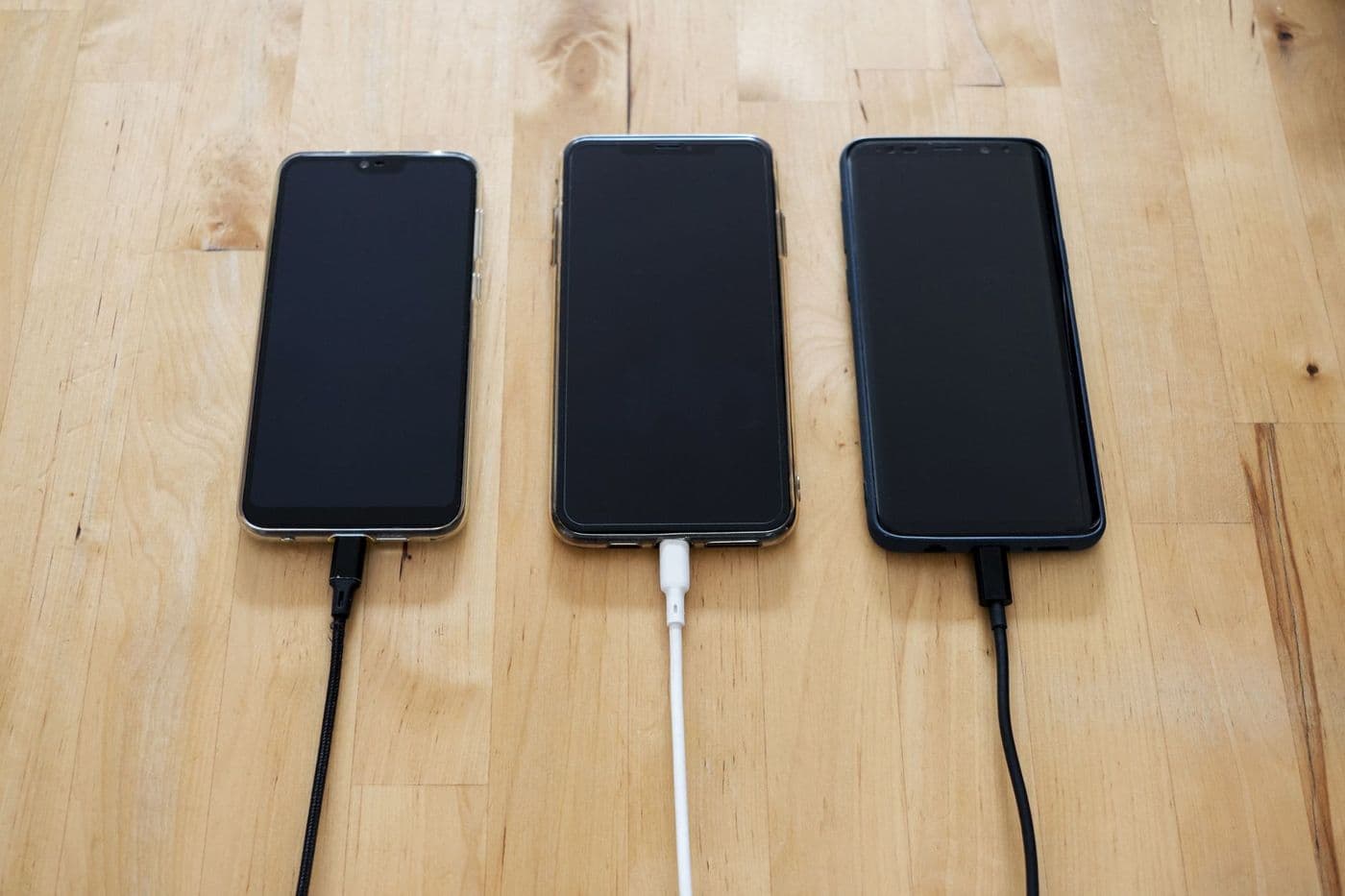
Tracker battery life depends mostly on how often the device reports its position, signal strength, temperature and the age of the battery. Published figures usually describe ideal conditions, so expect less in real use. Choose a lower update rate for everyday wear, switch to live mode only when needed, and build a regular charging routine.
A tracker with a flat battery is just a piece of plastic on your pet's collar. Battery life is therefore one of the most practical things to understand before you buy.
Manufacturers publish battery times, but the number alone says little. Here is what goes into it and how to get the most out of the device.
Why published numbers are not the whole story
A stated battery life is usually measured under a particular setting, such as infrequent updates in good signal conditions. Change the setting and the result changes. Read the fine print on what mode the figure refers to, and treat it as a best case.
Real-world use includes cold weather, patchy coverage and frequent live tracking, all of which shorten it.
The biggest drains

Several factors reduce battery life quickly:
- Frequent position updates: every report uses power for the GPS receiver and the radio.
- Weak mobile signal: the radio works harder to stay connected, which costs battery.
- Cold temperatures: lithium batteries tend to deliver less in the cold.
- Lights, sounds and live mode: useful in short bursts but costly over time.
Tip: If the app offers a power-saving or smart mode that slows updates when your pet is at home, enable it. It can extend the time between charges.
Update modes to know
Many trackers offer a mix of settings. A low-frequency mode checks in rarely and suits everyday wear. A normal mode balances updates and battery. A live mode updates often and is intended for finding a lost pet.
Some devices switch modes automatically when the pet leaves a safe zone. Check how this works and whether it is the default.
Charging design matters

Check how the tracker charges. Magnetic cables, contacts and USB ports all differ in convenience and durability. A water-resistant design must still seal tightly after charging, so avoid cheap cables or loose covers.
If you have to remove the collar to charge, consider a second collar so the pet is not without a tracker for hours. A spare cable at work or in the car also helps.
Habits that keep it working
A few routines go a long way:
- Charge on a fixed day each week, or whenever the app shows a set battery level
- Turn on low-battery alerts and test that they reach your phone
- Avoid leaving the tracker in a hot car or on a radiator
- Wipe the contacts and ports now and then
- Keep the firmware and app updated, since updates can improve power use
Battery ageing
Rechargeable batteries lose capacity over time. After a year or two, you may notice shorter run times. Check whether the manufacturer offers replacement batteries or a repair service, and what the warranty covers, because an unrepairable tracker becomes waste once the battery fades.
Planning around your routine
Match the charging routine to your pet's life. If your dog sleeps in the evening, charge then. If you hike on weekends, charge fully before leaving and consider a small power bank for longer trips, if the tracker supports it.
For outdoor cats, choose a time when the cat is indoors, such as meal time, so the collar can come off briefly.
What to do when the battery is low
If the tracker warns of low power while your pet is away, switch to a power-saving mode if there is one, and do not leave live tracking running continuously. Head towards the last known location and use sound or light functions only when you are close.
Afterwards, review how long the battery actually lasted under your settings. That real-world number is more useful than the brochure figure when planning future outings.
Choosing a tracker with battery in mind
Compare how each tracker handles power. Some use a larger battery and a heavier body, others use a small battery with quick updates only when needed. For small dogs and cats, weight limits the battery size, so you may need to accept more frequent charging.
Read independent owner reports for a realistic view of everyday run time, and check how the manufacturer describes performance in cold weather. If you hike in remote areas, consider a model that supports a power-saving mode or a replaceable battery, so a dead battery does not end the walk.
Frequently asked questions
How long should a tracker battery last?
It varies a lot by model and settings. Check the manufacturer's stated conditions and expect real use to differ.
Does cold weather affect battery life?
Yes. Cold temperatures usually reduce the usable capacity of lithium batteries.
Is live tracking bad for the battery?
It uses more power, so use it when searching rather than all the time.
Can I replace the battery?
Some trackers allow it, others do not. Check before buying if repairability matters to you.
Advertisement
Advertisement
Sponsored: today's featured offer →General information only. Check product labels and manufacturer instructions before you start.
Keep reading

Geofence and Safe-Zone Alerts for Pet Trackers: How They Work and Where They Fail
What a virtual fence on a pet tracker does, how alerts are triggered, why false alarms happen and how to set safe zones that are actually useful.

GPS Trackers for Cats: What to Look For Before You Buy
Weight, collar safety, battery and coverage all matter for cat trackers. A buyer's guide to choosing a GPS or Bluetooth tracker for outdoor cats.

How GPS Pet Trackers Work: Satellites, Cellular Signal and Accuracy Explained
A plain explanation of how GPS pet trackers find and report location, why accuracy varies, and what affects reliability in cities, woods and buildings.