Geofence and Safe-Zone Alerts for Pet Trackers: How They Work and Where They Fail
What a virtual fence on a pet tracker does, how alerts are triggered, why false alarms happen and how to set safe zones that are actually useful.
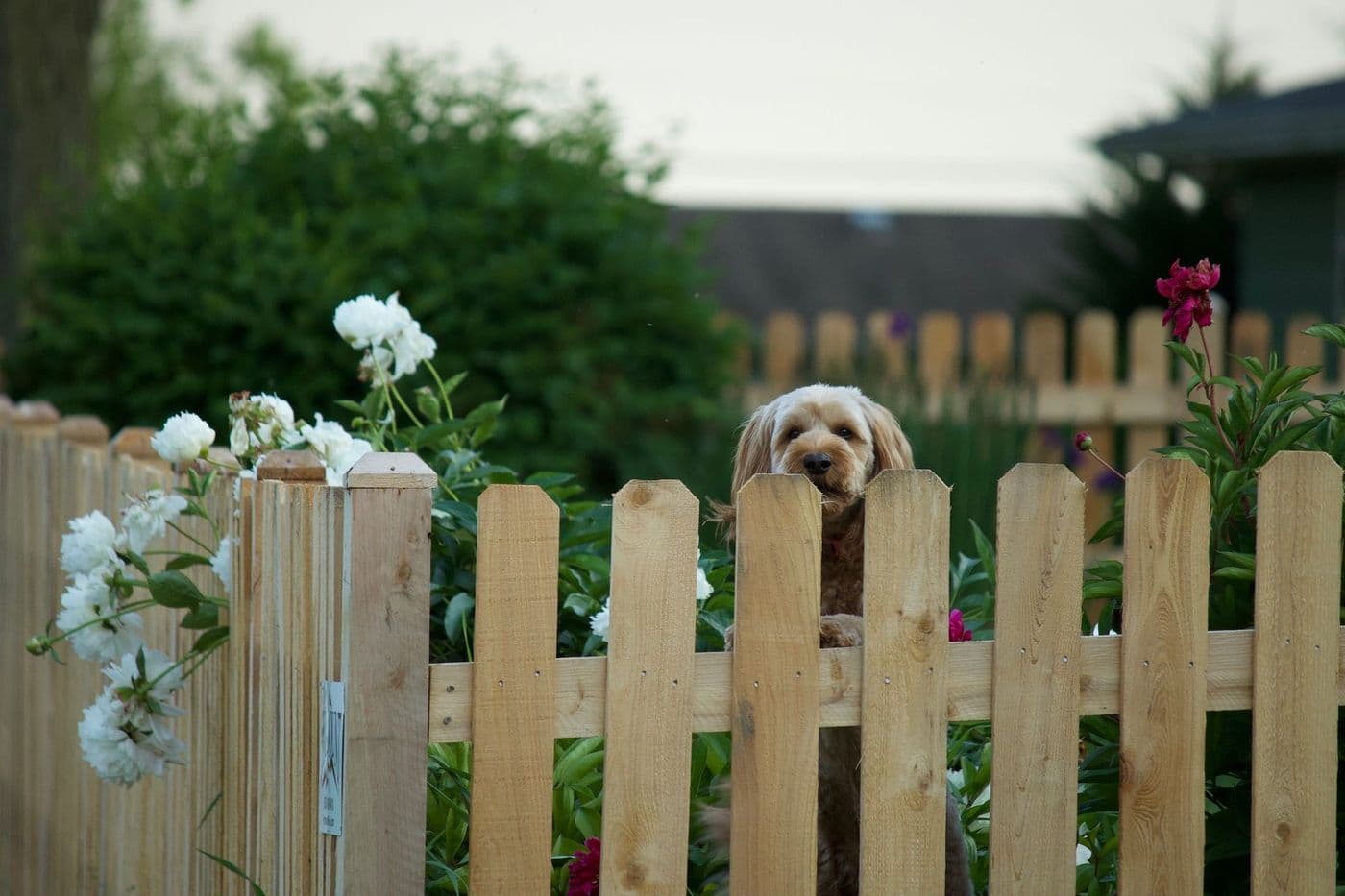
A geofence, or safe zone, is a virtual boundary you draw around a place such as your garden. When the tracker's reported position crosses it, the app sends an alert. They are useful for catching escapes early, but GPS drift, update delays and poor signal can cause false alarms or missed alerts. Set the zone with a buffer and treat alerts as a prompt to check, not a guarantee.
Safe-zone alerts are one of the most appealing features of a pet tracker. Draw a circle around your home, and your phone buzzes if your dog wanders out of it.
The idea is simple, but the reality depends on how the tracker locates itself and how often it reports. This guide covers how it works and how to get useful alerts.
What a geofence is
A geofence is a virtual boundary stored in the app or on the tracker. You choose a place, set a radius or shape, and the system compares the pet's reported position with it. When the position moves from inside to outside, it triggers a notification. Some apps also alert you when the pet returns.
Why alerts are not instant
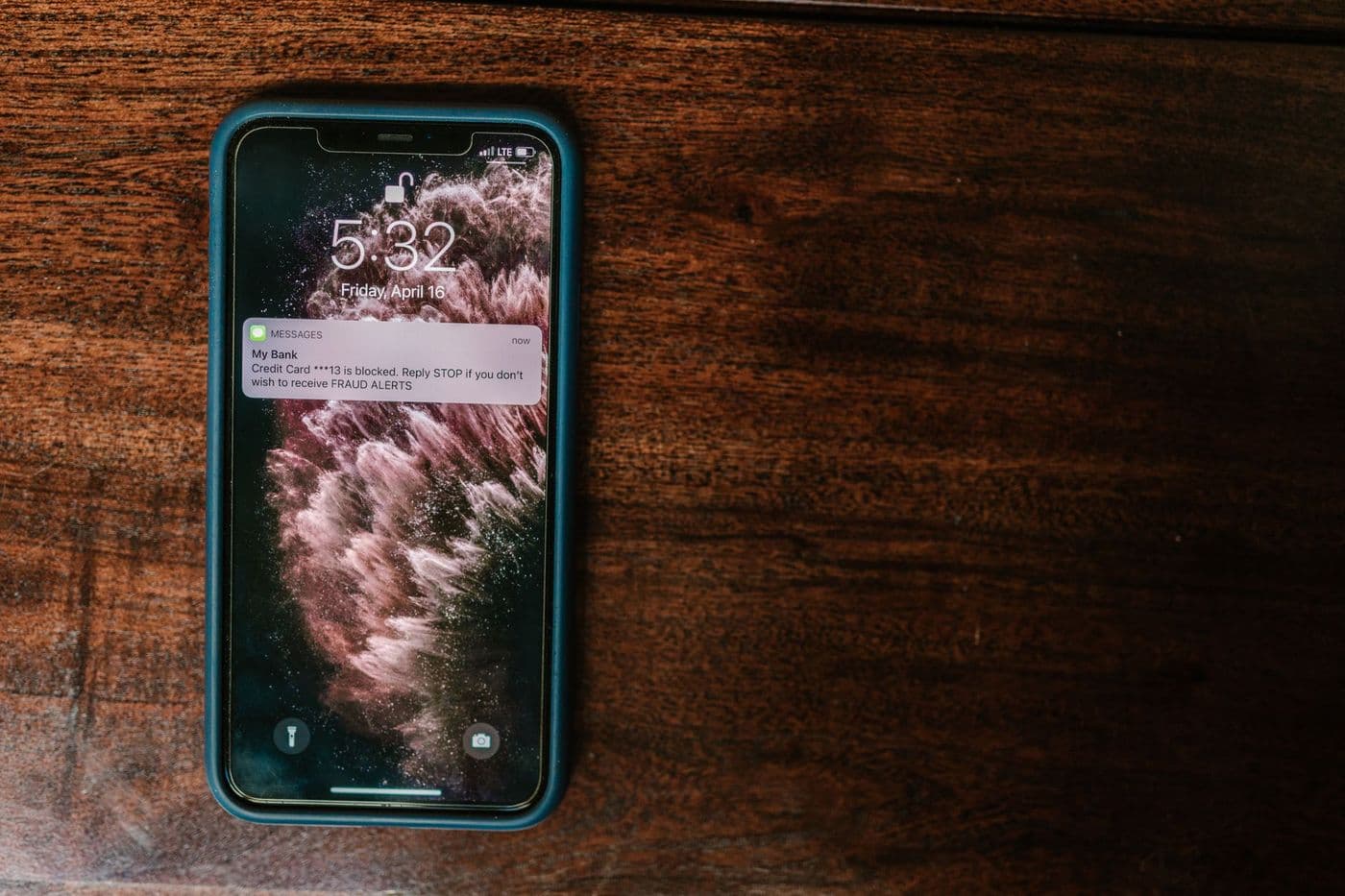
The tracker reports its position at intervals to save battery. If the update interval is long, the alert may arrive after your dog has already moved well beyond the boundary. A faster setting shortens the delay but drains the battery sooner.
The alert also has to travel through the network and the app, which adds a small lag. Notification settings on your phone, such as battery saving or do-not-disturb, can delay or block alerts.
Why false alarms happen
Most spurious alerts come from a few causes:
- GPS drift: the reported position jumps by a few metres, especially near buildings, so a pet near the edge can seem to cross the line.
- Boundary set too tight: a zone drawn right at the fence line will trigger whenever the pet is near it.
- Weak satellite view: indoor or covered areas produce less accurate readings.
Tip: Draw the zone slightly larger than the garden so normal drift does not set off alerts. You can always tighten it after watching how it behaves.
Setting up useful zones
Start with your home or garden, then add other places your pet frequents, such as a relative's house or a favourite park. Name each zone clearly, and set alerts only for the ones that matter, otherwise you will get notification fatigue.
Some apps support schedules, so you can switch alerts on only when your dog is meant to be in the garden.
What to look for in the feature
When comparing trackers, check:
- How many zones the app allows
- Whether the shape can be adjusted beyond a simple circle
- How quickly the tracker reports when it leaves a zone
- Whether alerts include a live tracking shortcut
- Whether the feature needs a paid plan
A virtual fence is not a physical one
Some systems pair a collar with a correction signal to keep a dog inside a boundary. That is a different category of product with different welfare considerations, and you should discuss it with a qualified trainer or vet before considering it.
A standard tracker's geofence only notifies you. It cannot stop the pet from leaving, so physical fencing and supervision still matter.
Testing your safe zone
After you set up a zone, test it. Walk your dog to the edge and a little beyond with the app open, and see when the alert arrives. Notice how large the delay is and how close the position on the map is to where you actually were.
Adjust the radius based on what you see. A few test runs now are much better than discovering the limits during a real escape.
Combining alerts with other safeguards
Alerts work best with practical steps: secure gates, regular checks of fences, and training such as recall. Some dogs learn to open latches or dig, so look for weak points and fix them.
Make sure notifications are switched on in your phone settings and that the app is allowed to run in the background. Otherwise you may not get the alert when you need it most.
Handling alerts in daily life
If your phone buzzes every time your dog moves near the edge of the zone, you will start ignoring alerts. Reduce the number of zones, adjust their size and mute alerts during times when your dog is supposed to be out, such as walks.
Decide in advance what you will do when an alert arrives. Check the live view, call your dog, walk to the gate and look. Having a simple routine means you act quickly instead of hesitating, and it helps other family members who also receive the alert to respond in the same way.
Frequently asked questions
Do geofence alerts work in real time?
They depend on how often the tracker updates its position. There is usually some delay.
Why did I get an alert when my dog was at home?
Position drift near the edge of the zone is a common cause. Enlarge the zone slightly.
Can I set more than one safe zone?
Many apps allow several, but the number varies by product and plan.
Does the feature work without a subscription?
That depends on the product, so check the plan details.
Advertisement
Advertisement
Sponsored: today's featured offer →General information only. Check product labels and manufacturer instructions before you start.
Keep reading
GPS Pet Tracker Battery Life: What Affects It and How to Make It Last
Why tracker battery claims differ from real life, which settings drain power fastest, and practical charging habits so the tracker works when you need it.
GPS Trackers for Cats: What to Look For Before You Buy
Weight, collar safety, battery and coverage all matter for cat trackers. A buyer's guide to choosing a GPS or Bluetooth tracker for outdoor cats.
How GPS Pet Trackers Work: Satellites, Cellular Signal and Accuracy Explained
A plain explanation of how GPS pet trackers find and report location, why accuracy varies, and what affects reliability in cities, woods and buildings.