Pet Camera With Treat Dispenser: What to Look For Before You Buy
Treat-tossing pet cameras explained: how they work, treat size limits, jams, training value and the features worth checking before you spend money.

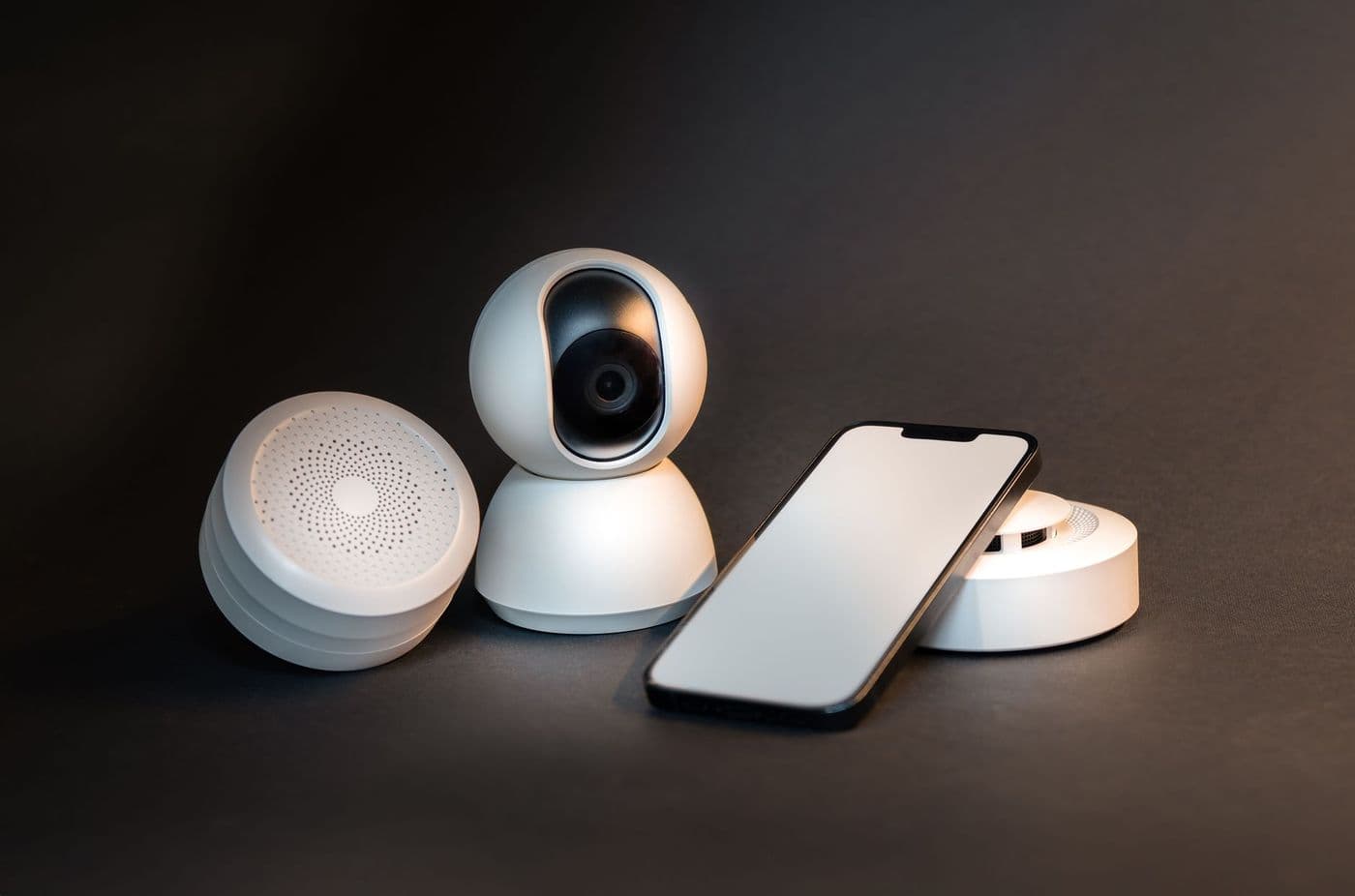
A pet camera with a treat dispenser lets you watch your pet, speak to them and toss a treat from your phone. Check the treat size and type the launcher supports, how reliably it dispenses without jamming, the video quality and whether alerts and recording need a subscription. Use treats sparingly so they do not add up to extra calories.
Treat-tossing cameras are one of the more fun pieces of pet tech. You see your dog on the sofa, press a button and a treat pops out.
They are also a good example of a gadget where the details matter. This guide covers the features that decide whether it becomes a daily favourite or a drawer item.
How they work
The device contains a camera with a microphone and speaker, plus a small hopper for treats. When you tap the button in the app, a motor spins a wheel or paddle that flings a treat out through a chute, sometimes several feet across the floor.
Some models let you schedule treats, so the dispenser can reward calm behaviour at set times or when the camera detects barking, depending on the features offered.
Treat compatibility

Not every treat fits. Dispensers are designed around small, dry, roughly round or uniform pieces. Soft, sticky or irregular treats may jam or crumble. The manufacturer's specifications usually list a maximum treat size and recommend types.
Test with the treats your pet loves before relying on the device, and keep a spare kind that you know works.
Tip: Break treats into small pieces. Smaller pieces mean you can reward more often without adding many calories.
Video and audio quality
Since the camera is the core, check these basics:
- Resolution and field of view: wide enough to see the room, clear enough to recognise your pet
- Night vision: how well it works in a dark living room
- Two-way audio: can you speak, and can you hear properly without echo?
- Wi-Fi band: many cameras use 2.4 GHz only
Using treats sensibly
Remote treats are a bonus, not a substitute for attention. Count them as part of your pet's daily food allowance, and ask your vet how many treats suit your animal. A pet on a weight-management plan should have a limit.
Some pets get over-excited at the sound of the launcher, or start to wait by it all day. If that happens, reduce how often you use it.
Training and anxiety
Used thoughtfully, a treat camera can reinforce calm behaviour, for example rewarding your dog for lying quietly. It is not a cure for separation anxiety. If your pet shows distress when left alone, talk to your vet or a qualified behaviourist.
Practical checklist
Before buying, check:
- Treat size and type the launcher accepts
- Hopper capacity and how easy it is to refill and clean
- Whether the lid is secure from clever pets
- Notification options and recording storage
- Subscription requirements for cloud clips
- Privacy features such as a camera cover or off switch
- Noise level of the launcher, since loud models can scare timid pets
Cleaning and maintenance
Treat dust and crumbs build up inside the hopper and the launching wheel. Empty it regularly, wipe it with a dry or slightly damp cloth as the manual allows and make sure it is fully dry before refilling. Moisture causes clumping and jams.
Check the lens too. A smudged or dusty lens makes the picture look poor, which is often blamed on the camera itself.
Placement tips
Position the camera where it can see the main resting spots and where treats can land safely without rolling under furniture. Keep it out of reach of paws and tails, and think about the chute direction so treats do not fly towards a staircase or door.
Place it on a stable surface. Some units vibrate when launching, and a wobbly shelf can send the camera off its view.
Safety around treats and pets
Keep treats in the hopper dry and fresh, and do not mix very different kinds, as sizes can cause jams. Watch the first few launches in person to see how your pet responds. Some animals chase treats eagerly, which is fine, but others may be frightened by the sound.
If you have several pets, remember the launcher cannot tell who is nearby. A faster pet might take every treat, and a dog might grab a treat meant for the cat. Think about whether the setup is fair, and avoid it if one pet gets food it should not have.
Frequently asked questions
Can I use any treats?
No. Use dry, small, uniform treats that match the manufacturer's recommendations.
Will it work for cats?
Some cats enjoy it, others are startled. Introduce it gradually.
Do I need a subscription?
Basic live view and treat tossing often work without one, while cloud recording may need a plan. Check the details.
Can it help with separation anxiety?
It may offer some comfort, but it is not a treatment. See a vet or behaviourist for anxiety.
Advertisement
Advertisement
Sponsored: today's featured offer →General information only. Check product labels and manufacturer instructions before you start.
Keep reading

Two-Way Audio and Barking Alerts on Pet Cameras: Helpful or Counterproductive?
How two-way talk and bark or meow alerts work, when they help, when they can make anxious pets worse, and what to check in the settings.
Night Vision on Pet Cameras Explained: Infrared, Colour and Low-Light Limits
How pet camera night vision works, the difference between infrared and colour modes, why pets' eyes glow, and what image quality to expect at night.
Pet Camera Privacy and Security: A Practical Checklist for Your Home
Pet cameras see inside your home. Learn how to secure your account, understand cloud storage, manage sharing and reduce privacy risks.