Pet Camera Privacy and Security: A Practical Checklist for Your Home
Pet cameras see inside your home. Learn how to secure your account, understand cloud storage, manage sharing and reduce privacy risks.
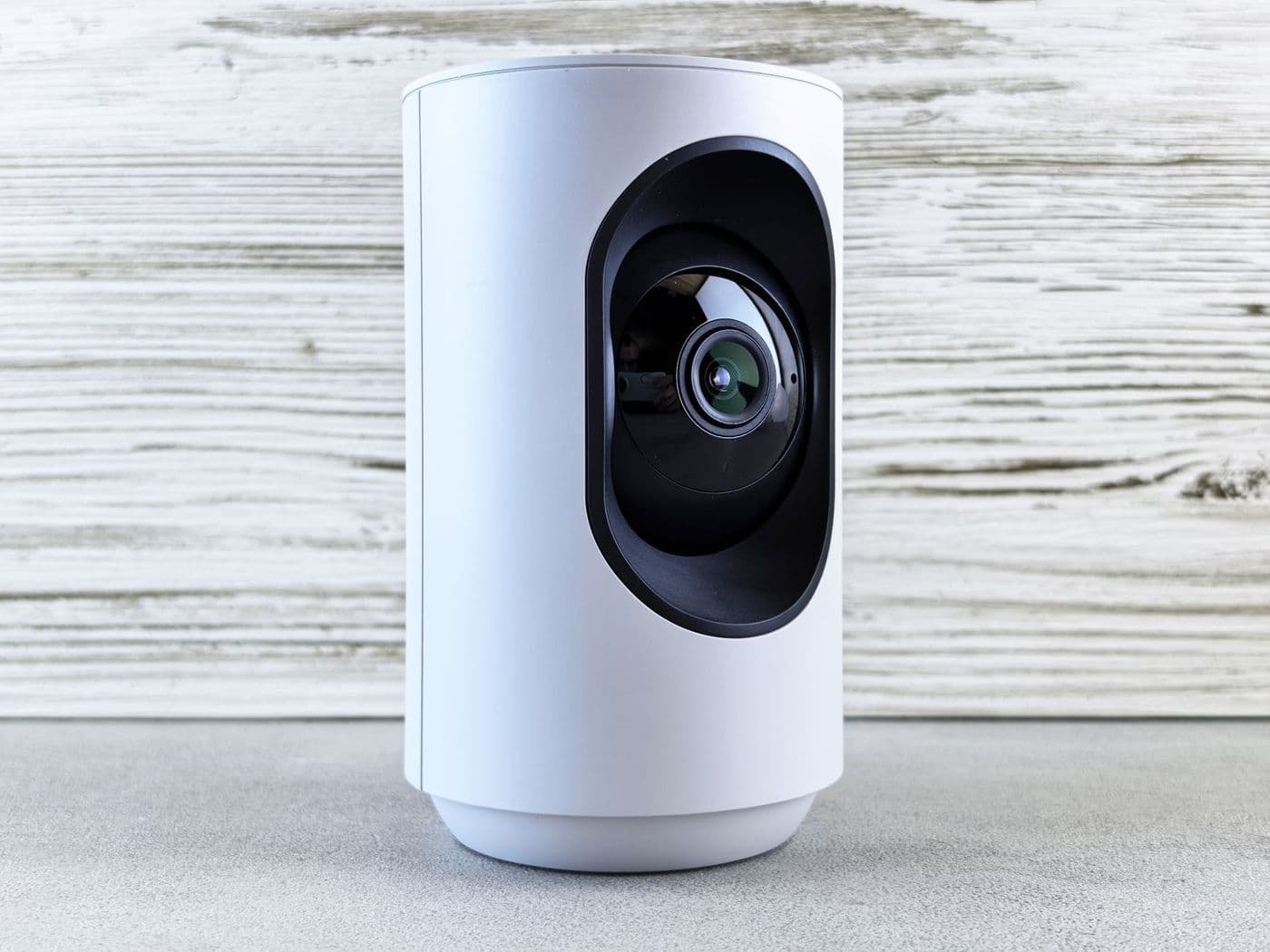
A pet camera streams video from inside your home, so treat it like any security device. Use a unique strong password, turn on two-step verification if offered, keep firmware updated, review who has access and read how the company stores and uses footage. Cover or switch off the camera when you are home and want privacy.
A pet camera feels harmless, but it is a connected camera in the most private part of your life. If the account is compromised, someone else could watch your home.
A few sensible habits reduce the risk considerably. This checklist explains what to do and why.
Secure the account first
Most breaches come from weak or reused passwords, not clever hacking of the camera itself. Use a long, unique password, ideally from a password manager, and never reuse one from another service.
Turn on two-step verification if the app supports it. It means a stolen password alone is not enough to log in.
Understand where your video goes
Different cameras handle footage differently:
- Cloud storage: clips are uploaded to the company's servers. Check retention time, who can access them and whether you can delete them.
- Local storage: footage is saved on a memory card in the device. It stays in your home but can be lost if the camera is stolen.
- Live view only: video streams without being stored, which reduces what exists to be exposed.
Tip: Read the privacy policy for how the company uses video and audio, including whether any is used to train AI systems or shared with partners.
Manage sharing and access
Many apps let you share camera access with family. Review the list occasionally and remove people who no longer need it. Avoid sharing login details; use the app's invite feature so you can revoke access later.
If you use a pet sitter, give them temporary access rather than your own credentials.
Network and device hygiene

Basic habits reduce exposure:
- Change the default router password and keep router firmware updated
- Install camera firmware updates when offered
- Use a secure Wi-Fi network with a strong passphrase
- Consider a separate guest or IoT network for connected devices
- Disable features you do not use, such as remote access to the SD card
Physical privacy
Place the camera so it does not see sensitive areas such as bedrooms or bathrooms. Some models have a lens cover or a privacy mode that turns the camera off when you are home. Using it is a good habit.
Also be mindful of microphones. Audio can capture conversations, and rules about recording sound and other people differ by place, so think about visitors and check local rules.
Before you buy and when you sell
Check how long the manufacturer promises security updates and what happens if it stops supporting the product. When you sell or discard a camera, perform a factory reset and remove it from your account.
Talking to others in the household
Everyone who lives with you should know about the camera, including what it records and who can view it. Agree on rules, such as switching it off when guests stay, and on who can look at footage.
If you rent, check your lease and speak with your landlord. If you share walls with neighbours, point the camera away from their windows and doors.
Responding to a suspected problem
If you see unfamiliar logins, odd settings changes or the camera moving or speaking on its own, change your password at once, sign out of all devices, check the access list and contact the manufacturer. Disconnect the camera from power while you investigate.
Afterwards, review other accounts that use the same password and change those too.
Questions to ask a manufacturer
Before you buy, look for clear answers to a few questions. How long does the company provide security updates? Is video encrypted in transit and in storage? Can you delete footage and your account completely? Has the company been transparent about past security issues?
Companies that are open about these points tend to take them seriously. If you cannot find answers in the documentation, contact support and see how they respond. The quality of that reply says something about how the product will be looked after later.
Frequently asked questions
Can pet cameras be hacked?
Connected cameras can be targeted, most often through weak or reused passwords. Strong passwords and two-step verification help a lot.
Is local storage safer than cloud?
It reduces what the company holds, but you lose footage if the device is stolen. Each has trade-offs.
Should I tell visitors there is a camera?
It is good practice, and in some places required, especially if audio is recorded.
Is a camera cover worth it?
Yes, it gives you a simple physical privacy control.
Advertisement
Advertisement
Sponsored: today's featured offer →General information only. Check product labels and manufacturer instructions before you start.
Keep reading

Two-Way Audio and Barking Alerts on Pet Cameras: Helpful or Counterproductive?
How two-way talk and bark or meow alerts work, when they help, when they can make anxious pets worse, and what to check in the settings.
Night Vision on Pet Cameras Explained: Infrared, Colour and Low-Light Limits
How pet camera night vision works, the difference between infrared and colour modes, why pets' eyes glow, and what image quality to expect at night.
Pet Camera Won't Connect to Wi-Fi? Common Setup Problems and Fixes
Troubleshooting guide for pet camera Wi-Fi setup: 2.4 GHz vs 5 GHz, passwords, signal strength, router settings and when to contact support.