Night Vision on Pet Cameras Explained: Infrared, Colour and Low-Light Limits
How pet camera night vision works, the difference between infrared and colour modes, why pets' eyes glow, and what image quality to expect at night.
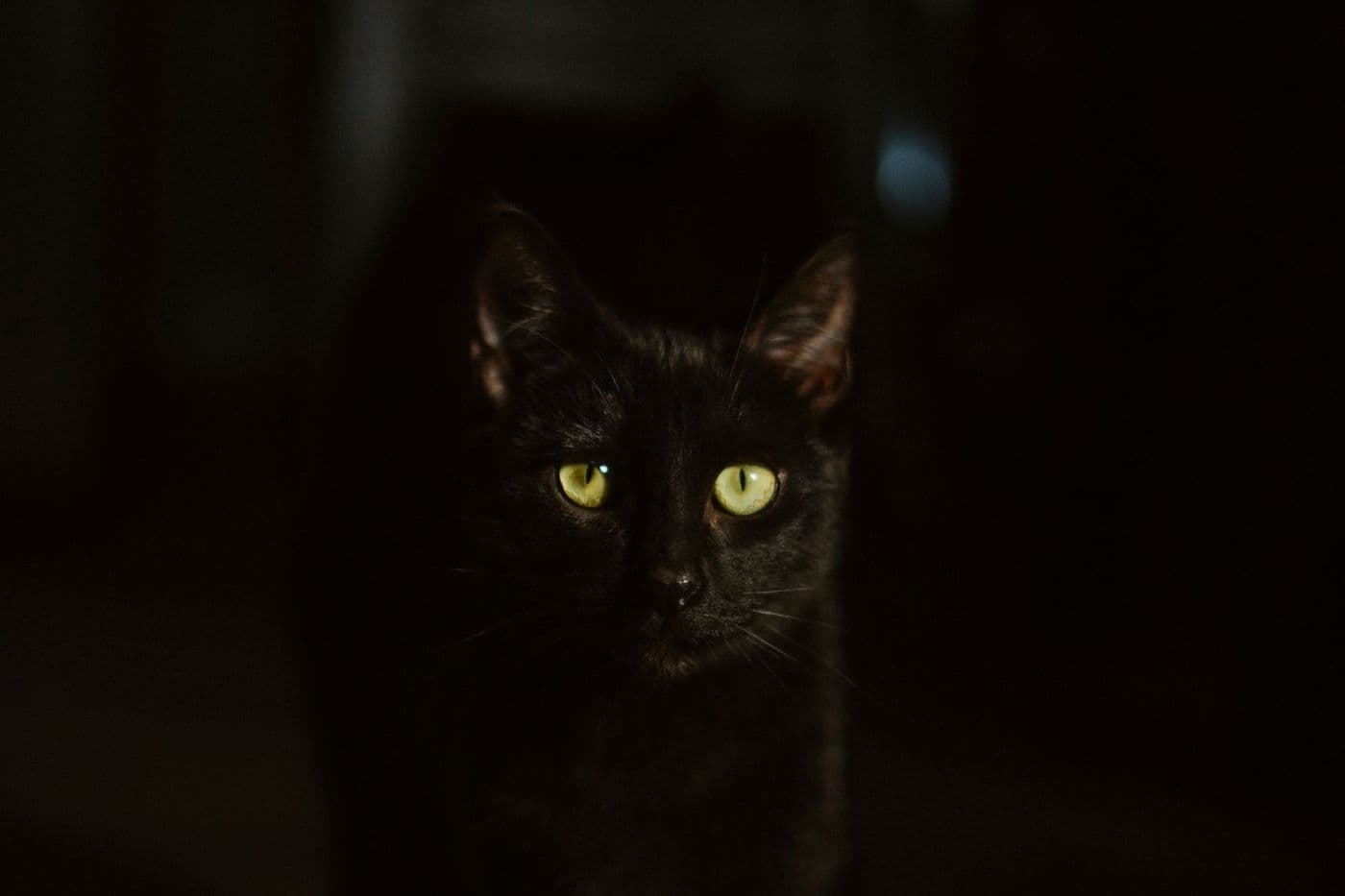
Most pet cameras use infrared LEDs to light a dark room with light you cannot see, producing a black-and-white image. Some add a low-light colour mode using a sensitive sensor and a faint light. Night vision range, glare from windows and eye shine are the main practical limits, so check sample images and the stated range rather than relying on the label alone.
Pets are often most active in the evening, and many owners want to check on a dog that paces or a cat that wanders at night.
Night vision is a standard feature, but the quality varies. Here is how it works and what to check.
Infrared night vision
Infrared cameras have small LEDs that emit light outside the range human eyes can see. The image sensor can detect it, so the camera produces a clear picture in the dark. The picture is usually black and white because there is no colour information in infrared light.
Because the light is invisible to people, it does not disturb sleep. Some very sensitive animals may notice a faint glow from the LEDs, so watch how your pet reacts.
Colour night vision
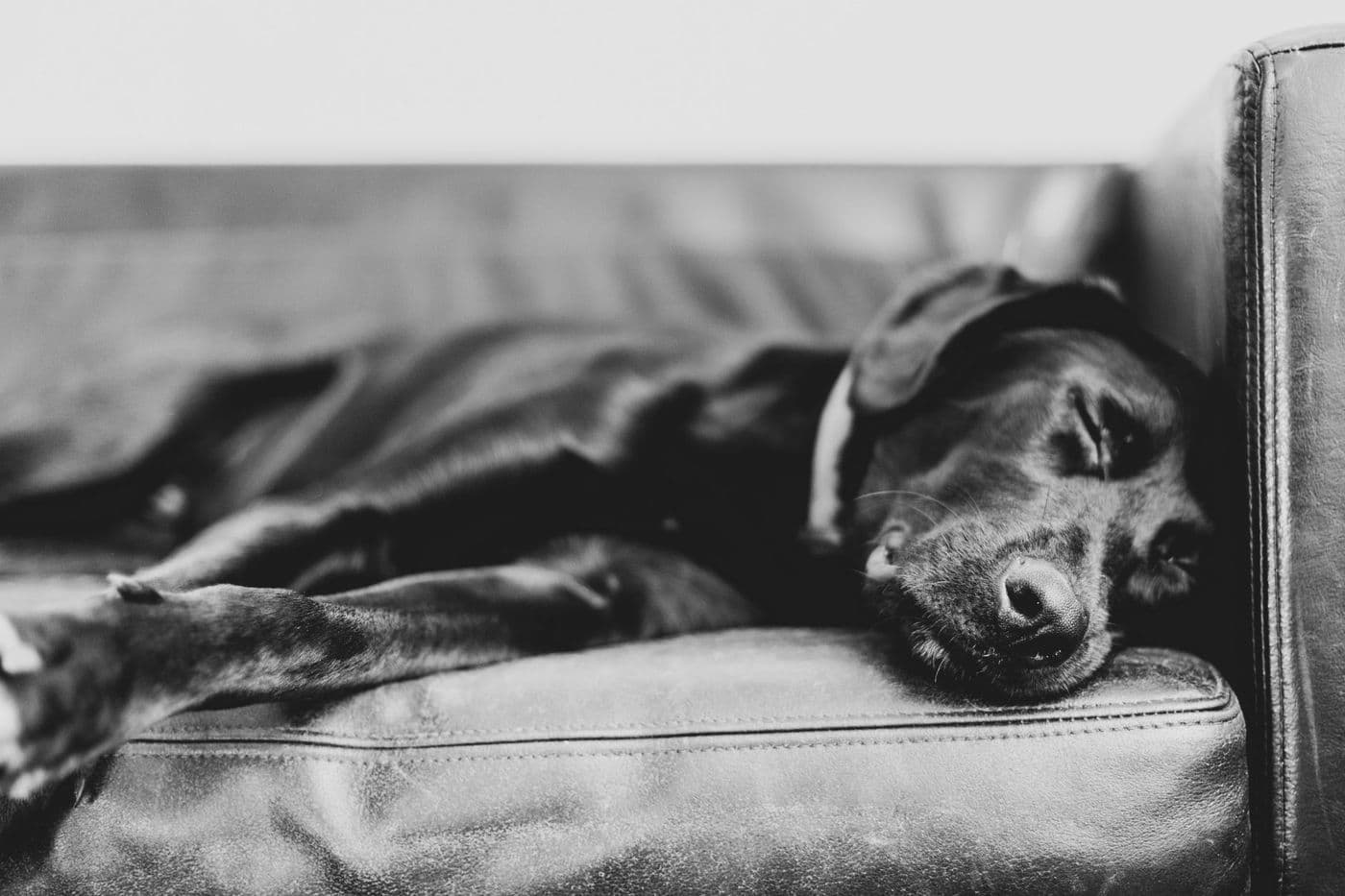
Some cameras advertise colour at night. They typically use a larger sensor, a wider lens opening and sometimes a soft built-in light to gather more visible light. The result can show colours in dim rooms, but in true darkness they may switch to infrared.
A visible light can wake a sleeping pet or attract attention, so many owners prefer infrared at night.
Tip: Look at real sample footage in dim rooms, not only the marketing images. Brightness and detail can differ a lot between models.
Common night-time problems
Several issues appear in practice:
- Glare: infrared reflects off glass, so a camera pointing at a window can show a white flash.
- Eye shine: animals' eyes reflect the light and appear as glowing dots.
- Overexposure: close objects can look washed out because the LEDs are strong.
- Noise: low light can produce a grainy image.
Placement for better night footage
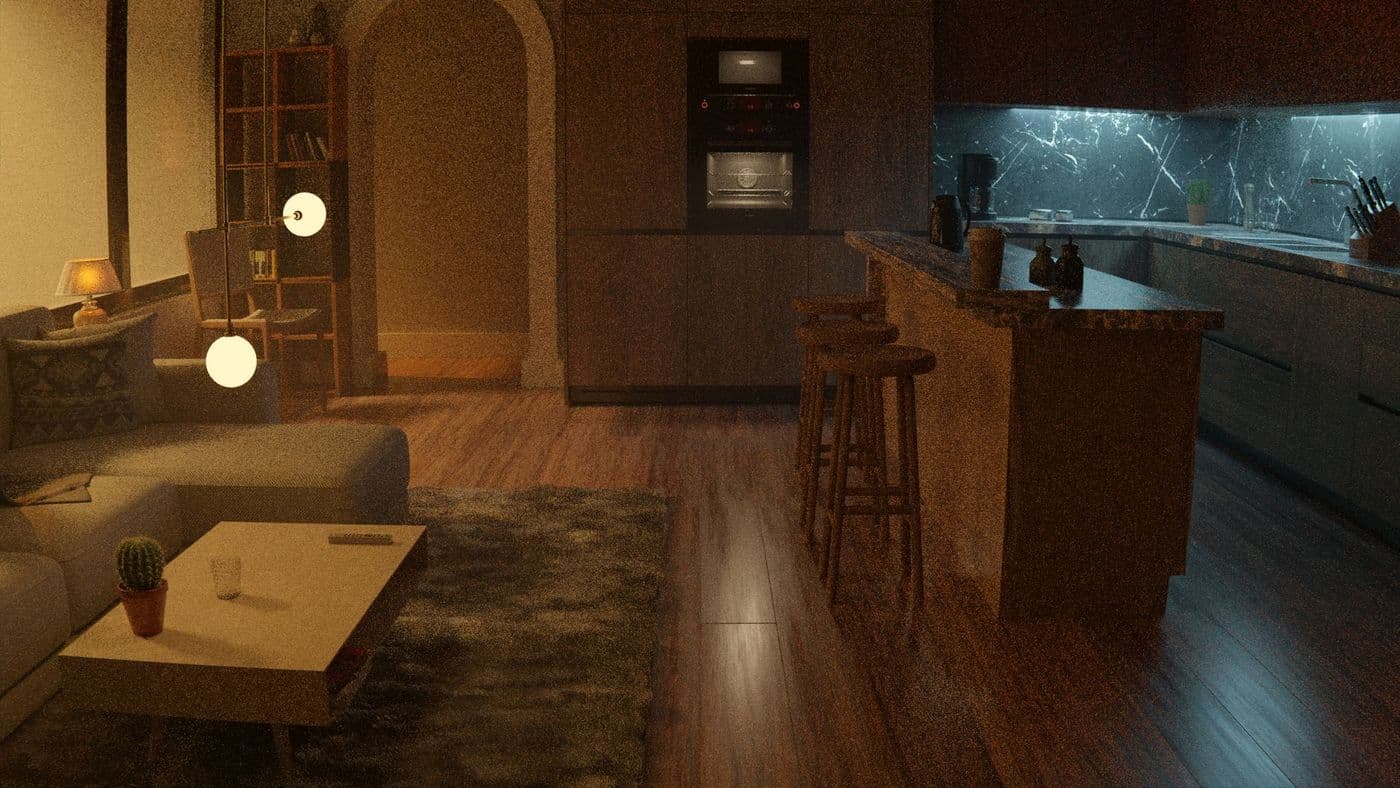
Avoid pointing the camera at a window or mirror. Place it a little above pet height with a clear view of the sleeping area. Keep it a short distance from the pet, so close objects do not wash out.
Dust or a spider web in front of the lens or LEDs can cause bright glare. Wipe the lens gently with a soft cloth.
What to check before buying
Compare the following:
- Stated night vision range and the room size you need to cover
- Whether the camera offers infrared, colour or both, and can switch automatically
- Whether you can turn off the status light, which is visible in a dark room
- Video resolution at night, not only by day
- Field of view, since a wide lens covers more but with less detail
Setting realistic expectations
Night footage is good for seeing whether your pet is asleep, moving or in a particular spot. It is not a substitute for in-person care. If you see signs of distress such as repeated vomiting or laboured breathing, contact your vet right away.
Lighting tricks that improve results
A small amount of ambient light, such as a night-light, can improve colour and detail without waking your pet. Avoid bright lights directly in the camera's view, which cause glare and flare.
Light-coloured walls reflect more infrared and can make the image look brighter, while dark rooms absorb it. Small changes in furniture placement can change how the picture looks.
Checking your camera works at night
Test it after dark before you leave your pet alone. View the live feed from another room, confirm the camera switches modes smoothly and look for glare or blind spots. Fix problems while you are home, rather than discovering them on the night you needed the footage.
Check the recording quality as well as the live view, since stored clips can be compressed differently.
Night vision versus motion alerts
Night recording and motion alerts work together. If the camera detects movement in the dark, it can send a clip, but small insects flying near the lens or a moving curtain can trigger false alarms. Setting an activity zone, if the camera supports it, helps ignore areas you do not need.
Check how long clips are stored and what resolution is used at night. Some cameras lower the quality when recording in low light to save space, which may make details harder to see when you review the footage the next day.
Frequently asked questions
Does infrared bother pets?
Most pets do not notice it, but a few may react to the faint red glow of LEDs. Observe your pet.
Why is night footage black and white?
Infrared light carries no colour information, so the image is shown in grey tones.
Why do my pet's eyes glow?
Eyes reflect the camera's light, which creates eye shine in photos and video.
Can I use a camera in a completely dark room?
Yes, if it has infrared. Check the stated range for your room size.
Advertisement
Advertisement
Sponsored: today's featured offer →General information only. Check product labels and manufacturer instructions before you start.
Keep reading
Two-Way Audio and Barking Alerts on Pet Cameras: Helpful or Counterproductive?
How two-way talk and bark or meow alerts work, when they help, when they can make anxious pets worse, and what to check in the settings.
Pet Camera Privacy and Security: A Practical Checklist for Your Home
Pet cameras see inside your home. Learn how to secure your account, understand cloud storage, manage sharing and reduce privacy risks.
Pet Camera Won't Connect to Wi-Fi? Common Setup Problems and Fixes
Troubleshooting guide for pet camera Wi-Fi setup: 2.4 GHz vs 5 GHz, passwords, signal strength, router settings and when to contact support.